
Free shipping on select orders | 180-Day Returns
Bring a little notebook feel to your iPad. The TinyMoose Paperfeel Screen Protector adds a textured writing surface for a more...
Availability: Low stock: 49 left
Couldn't load pickup availability
Orders are processed within 1–2 business days after your payment is confirmed. If you order on a weekend or holiday, processing begins on the next business day. Most domestic orders are delivered within approximately 1–5 business days after shipment. We ship within the United States only. Shipping costs, if any, are shown at checkout, and some products or orders may qualify for free shipping. Once your order is dispatched, you'll receive a shipping confirmation email with your tracking number. Delivery dates are estimates and are not guaranteed.
We accept return requests within 180 days after delivery. Items should generally be in the same condition as received, unworn and unused where applicable, with original tags and packaging. Approved refunds go to your original payment method, generally within 10 business days after approval. For damaged, defective, or incorrect items, contact us as soon as possible. Please contact support@merchsection.com before returning an item.
Products are covered by the manufacturer's warranty where the manufacturer states one — check the product description for warranty details. Every order is also covered by our 180-day return promise: if an item arrives damaged, defective, or incorrect, contact us at support@merchsection.com and we'll make it right.


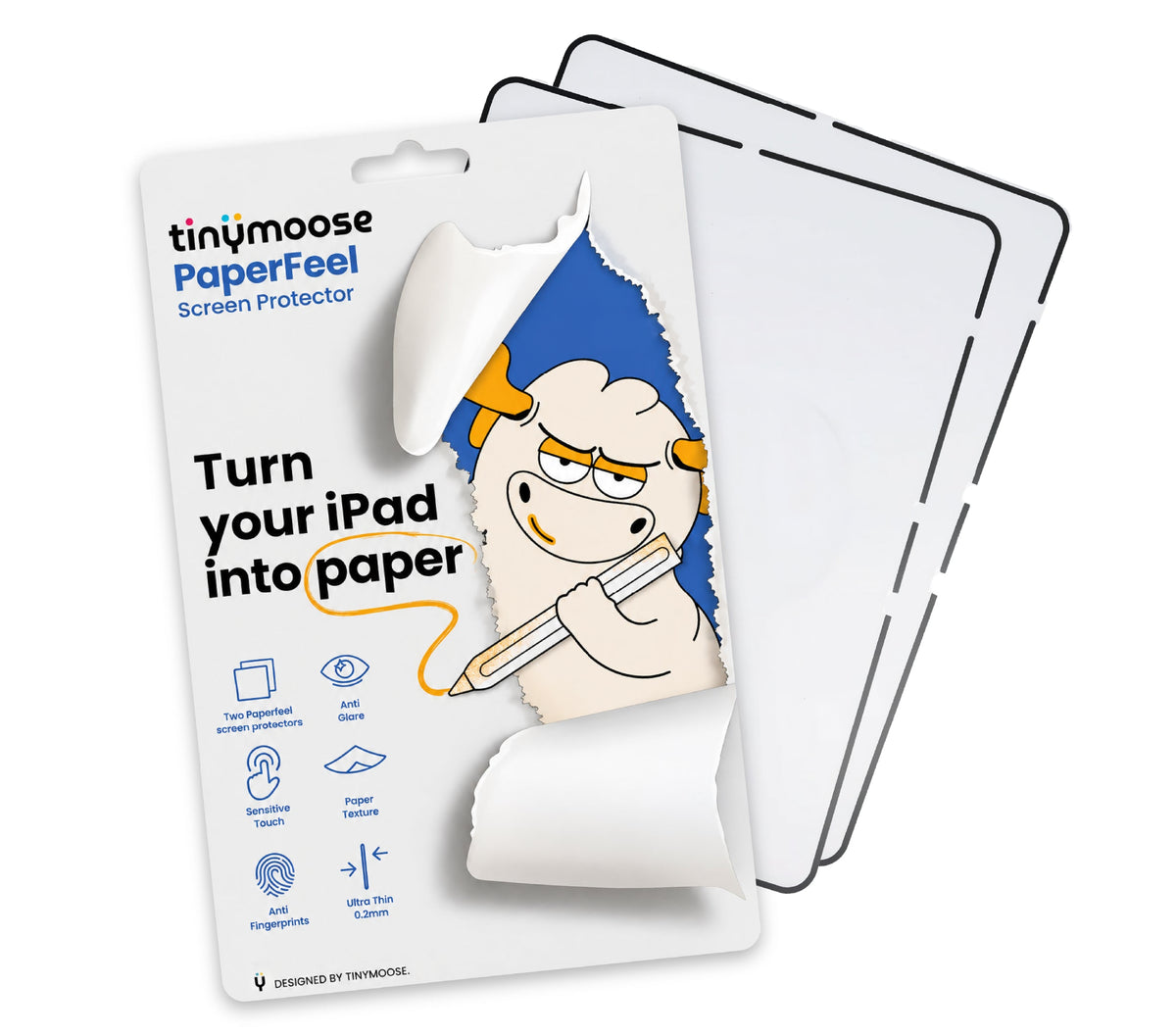
Bring a little notebook feel to your iPad. The TinyMoose Paperfeel Screen Protector adds a textured writing surface for a more familiar pen-on-paper feel when taking notes, sketching, or marking up documents. Whether you’re working through lecture notes, planning your next project, or drawing for the fun of it, it gives your digital workspace a touch of paper.
Writing on smooth glass takes some getting used to. The paperfeel texture adds resistance as your stylus moves across the screen, making each stroke feel more deliberate. From small handwritten notes to broad sketch lines, it’s designed for people who spend more time creating on their iPad.
Class notes, meeting minutes, daily planners, rough ideas, give them all a place on your iPad. Pair the screen protector with an Apple Pencil or TinyMoose stylus compatible with your iPad, then keep using your favourite writing and drawing apps. Your notes stay editable, your sketches stay shareable, and your notebook goes wherever your iPad does.
The TinyMoose Paperfeel Screen Protector sits over your iPad’s display, adding a protective layer and a textured surface for everyday use. It’s a simple addition for anyone who uses their iPad as a notebook, sketchbook, or workspace.
Choose the version that matches your iPad:
iPad Pro 11″ — M4 / M5 (2024–2025)
iPad Air 13″ — M2 / M3 / M4 (2024–2026)
iPad Air 11″ — M2 / M3 / M4 (2024–2026)
iPad Pro 11″ — 1st–4th Gen (2018–2022)
iPad 10th Gen 10.9″ (2022) / iPad A16 11″ (2025)
Textured surface for a paper-inspired writing feel
Added resistance for controlled writing and sketching
Ideal for handwritten notes, drawing, planning, and annotating documents
Use with an Apple Pencil or Tinymoose stylus compatible with your iPad
Adds a protective layer over your display
Available in five versions for the iPad models listed above
Turn your iPad into a notebook you’ll want to write in. Choose your model, pick up your stylus, and put your ideas on screen.


